
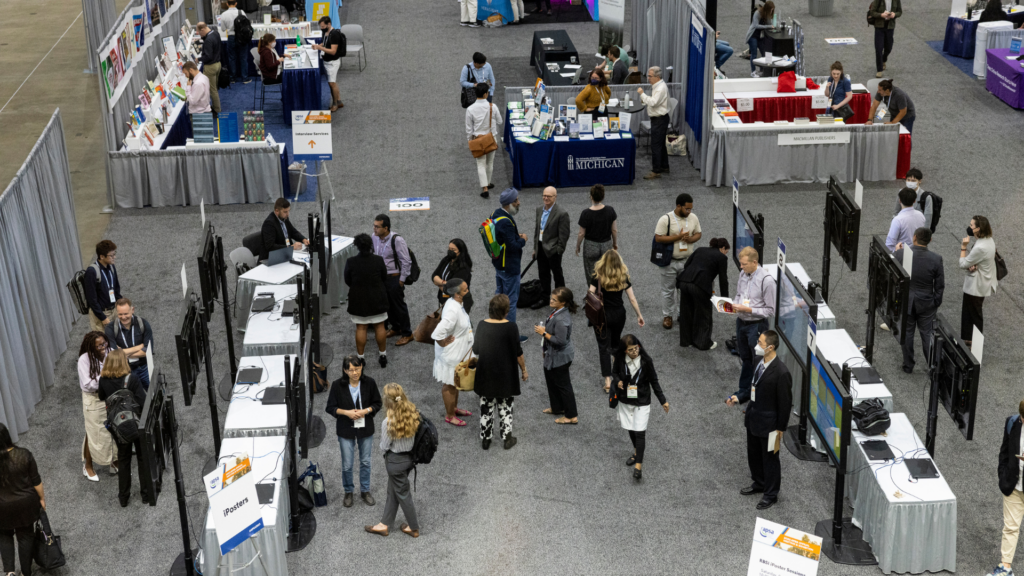
APSA is excited to once again feature the digital, multimedia iPoster platform to design and display posters at this year’s Annual Meeting in Vancouver. With interactive features including zoomable images, embedded video and audio, linked source materials, and more, these innovative online posters offer authors a dynamic, engaging, and accessible format for presenting their research.
Division poster sessions will be 30-minute in-person sessions featuring up to 12 iPosters, with each displayed on screens in the onsite poster area. Some sessions may be comprised of posters from more than one division.
Attend the APSA Ralph Bunche Summer Institute (RBSI) Scholars Poster Session
Sat, September 13, 10:00am to 12:00pm PDT
Vancouver Convention Centre (VCC), Floor: East Exhibit Level, East Exhibit Hall A
The online poster gallery allows Annual Meeting attendees to view published iPosters before, during, and after the conference. This extended availability provides a broader window of engagement for authors to receive feedback and connect with colleagues for potential collaboration.
While all published iPosters will be accessible through the online gallery, please note that all poster sessions are in person only. Due to their non-traditional format, shorter duration, and technical requirements, there is no virtual presentation option for iPoster sessions.
We look forward to showcasing your work in Vancouver!
All iPosters will be presented onsite:
iPoster Sessions
APSA Exhibit Hall
Vancouver Convention Centre (VCC), East, Exhibit Hall A)
Sept. 11 – Sept. 13




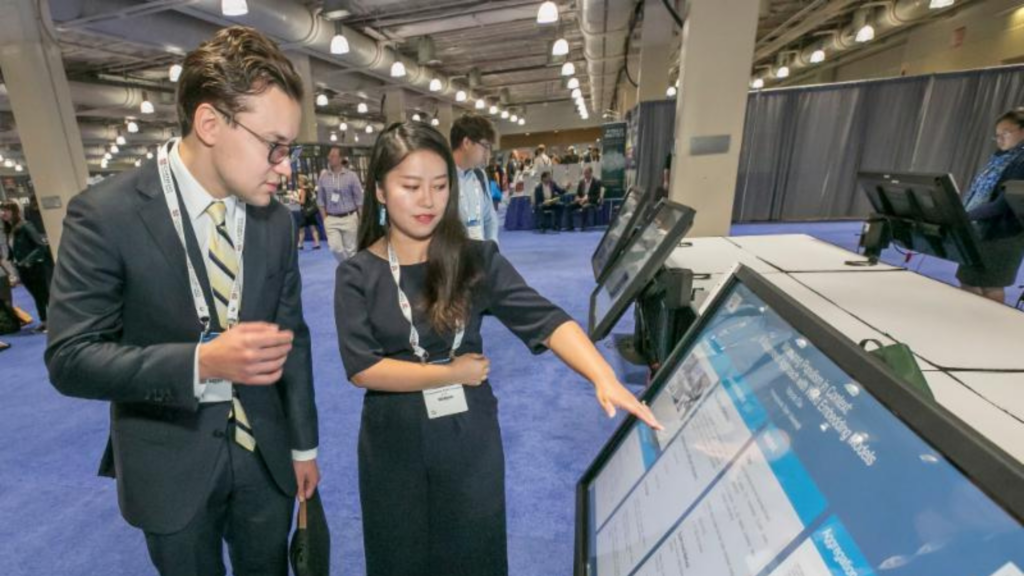
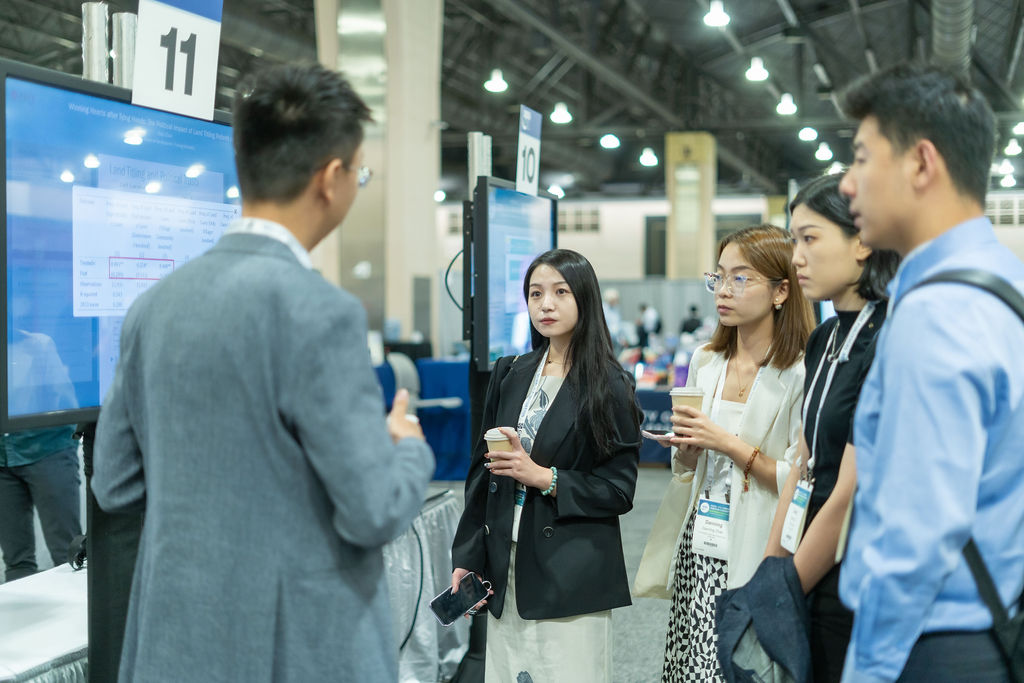
To assist participants and attendees with easily finding posters of interest, the 2025 APSA iPoster Gallery will be filterable by division, presentation day and time, and keyword. It will also be searchable by author name and iPoster title. Each author can tag their iPoster with three keywords, phrases, or subject areas, making it simple for colleagues to discover iPoster presentations that match their interests.
View the 2024 APSA iPoster Gallery (Philadelphia) >>
If you are scheduled to present on a poster session, you will receive a welcome email with additional details, including important deadlines, a link to the iPoster Editor site, and login instructions. For more information on iPosters, please see the resources below:
- Author Resources: A collection of tips, explanations, and general guidance for using the iPoster Editor.
- Excalibot (iPoster AI Chatbot): Available 24/7, Excalibot offers instant support, troubleshooting, and guidance on creating and publishing your iPoster.
- For questions about the Annual Meeting itself, such as event logistics or presentation requirements, please contact APSA at meeting@apsanet.org.
- iPoster Editor Quick Guide: A comprehensive guide to designing and publishing your iPoster, including instructions for formatting text, uploading media, adding captions or transcriptions, inserting LaTeX equations, linking to live data sets, and more.
- Please note this is a general overview of the platform used across many conferences, so some features described may not be currently available.
- iPoster FAQs: Answers to the most common technical questions about the platform.
- Video Tutorials: Short videos that walk you through each step of creating your iPoster.
- Sample iPosters: Examples of iPosters from other conferences to use as reference and inspiration.
Can’t Attend the iPoster Sessions in Vancouver? All posters will be published online and available to view in the 2025 APSA iPoster Gallery.